Suno vs AIVA: Which AI Music Generator Should You Actually Use?
Updated: 2026-01-04 14:41:04
Suno and AIVA solve very different problems, and treating them as direct competitors is where most comparisons go wrong.
One is built to generate complete songs at speed. The other is designed for structured composition, editing, and ownership. After using both in real production workflows from YouTube videos to client film projects the difference becomes obvious very quickly.
If you just need a fast answer, the decision guide below will get you there. If you care about control, copyright, and long term usability, keep reading.
Table of Contents
- Quick Decision Guide
- What Each Tool Actually Does
- Real World Performance Comparison
- The Copyright Situation (Important)
- Pricing Breakdown
- Which One for Your Use Case
- Common Questions
Quick Decision Guide
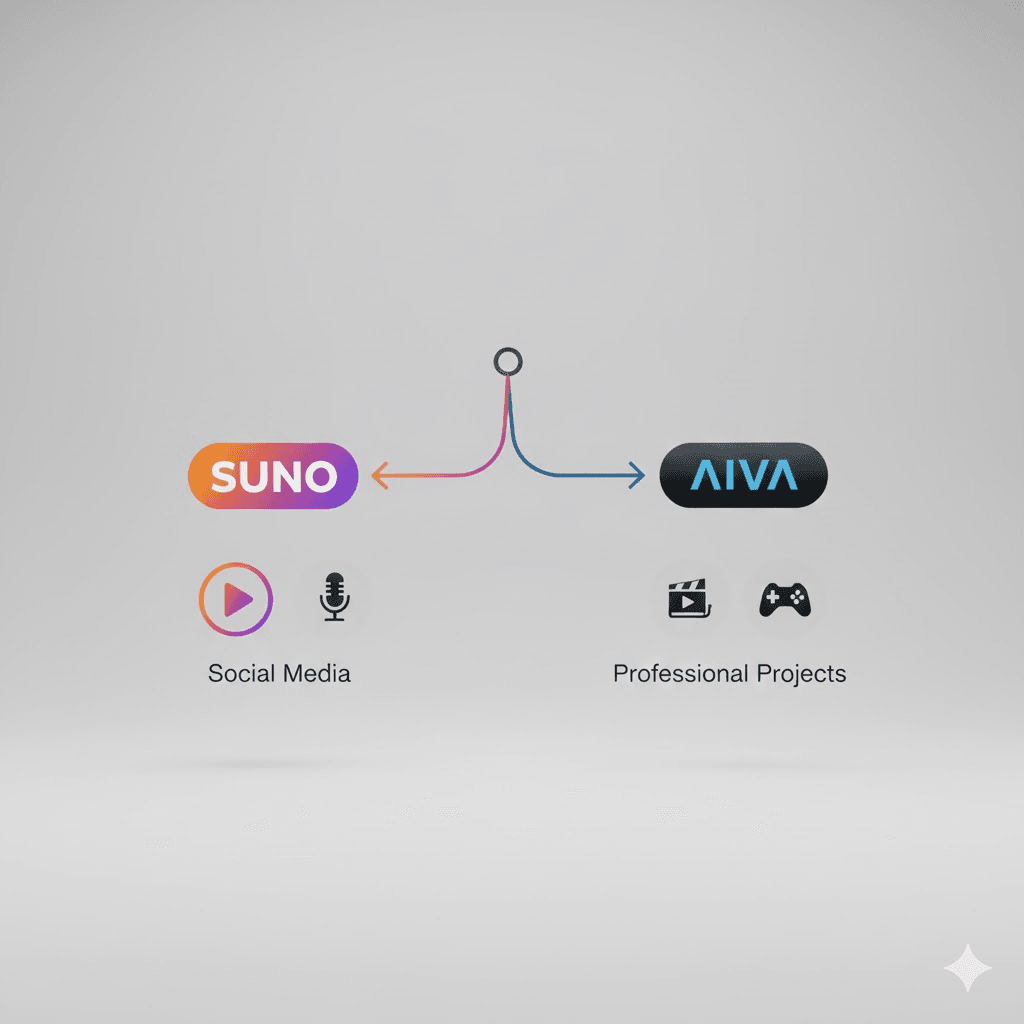
Pick Suno when:
- You need songs with vocals and lyrics
- Speed matters more than precise control
- Your budget is under $10/month
- You're making content for social media or YouTube
- You don't have a music background
Pick AIVA when:
- You need full copyright ownership for commercial work
- You're scoring games, films, or creating library music
- You want MIDI files to edit in your DAW
- Your focus is orchestral or cinematic music
- You can justify €49/month for the Pro plan
Still undecided? Keep reading.
What Each Tool Actually Does
Suno: Fast Songs with Vocals
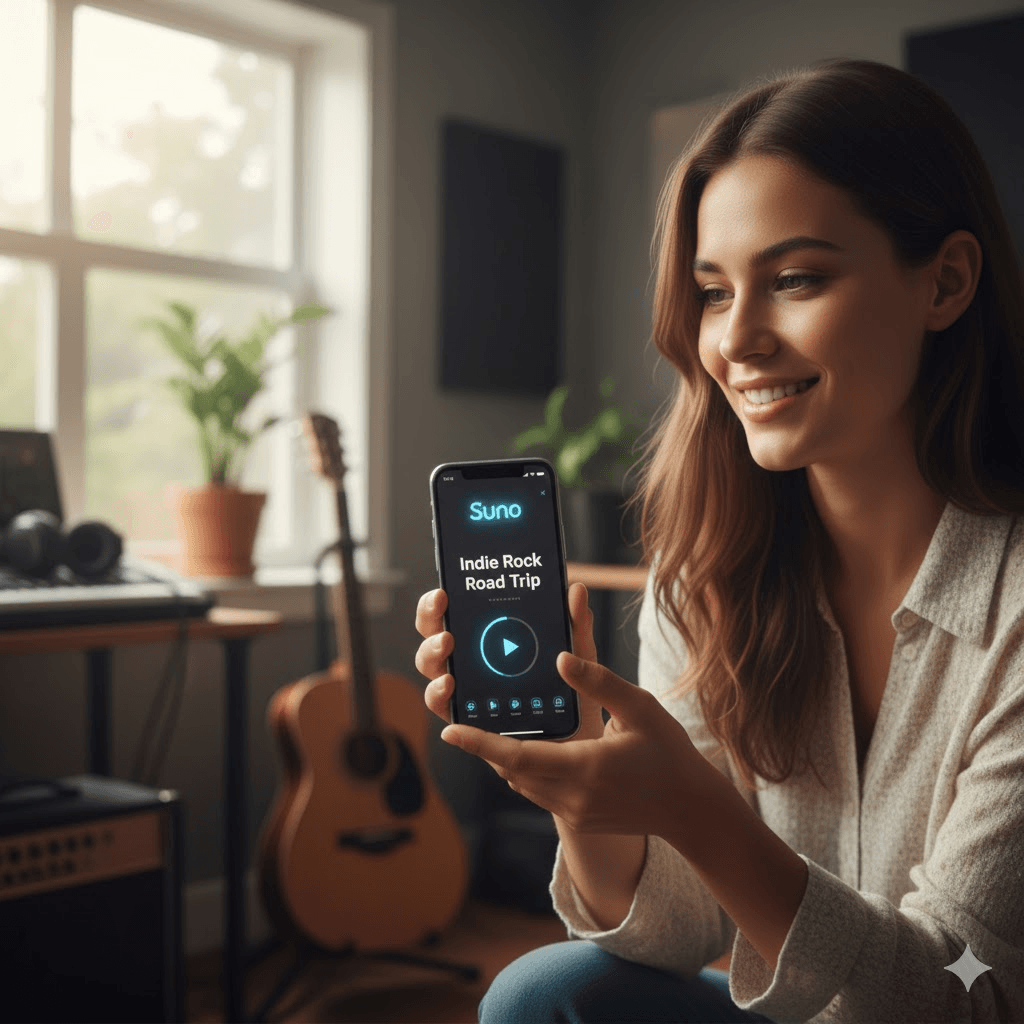
Suno generates complete songs from text descriptions. Type "indie rock song about rainy Mondays" and 30 seconds later you've got two versions with lyrics, vocals, guitars, drums, the whole package.
I've used it mostly for YouTube videos where I need quick background music. The v4.5 update improved audio quality noticeably, though vocals still sound slightly artificial if you listen closely. Nobody watching a YouTube video seems to care though.
What works well:
- Pop, hip hop, electronic genres sound pretty convincing
- You can upload a melody and have it generate a full arrangement
- The mobile app is surprisingly useful for generating ideas on commutes
- Extensions and variations let you build longer pieces
What doesn't:
- Classical music sounds off instruments lack the natural articulation
- Sometimes the song structure just... stops abruptly
- You can't really control specific musical elements (like "make the bridge in C minor")
- Vocals occasionally have this weird robotic quality
The copyright situation is messy (more on that below), which rules it out for serious commercial work.
AIVA: Instrumental Composer
AIVA doesn't do vocals at all. It's purely instrumental, and it's been around longer since 2016, when it became the first AI registered with a music rights society.
I use AIVA when I need music I can actually license to clients. The Pro plan gives you full copyright ownership, which matters when you're putting music in a game or film.
What works well:
- Orchestral and cinematic music is genuinely impressive
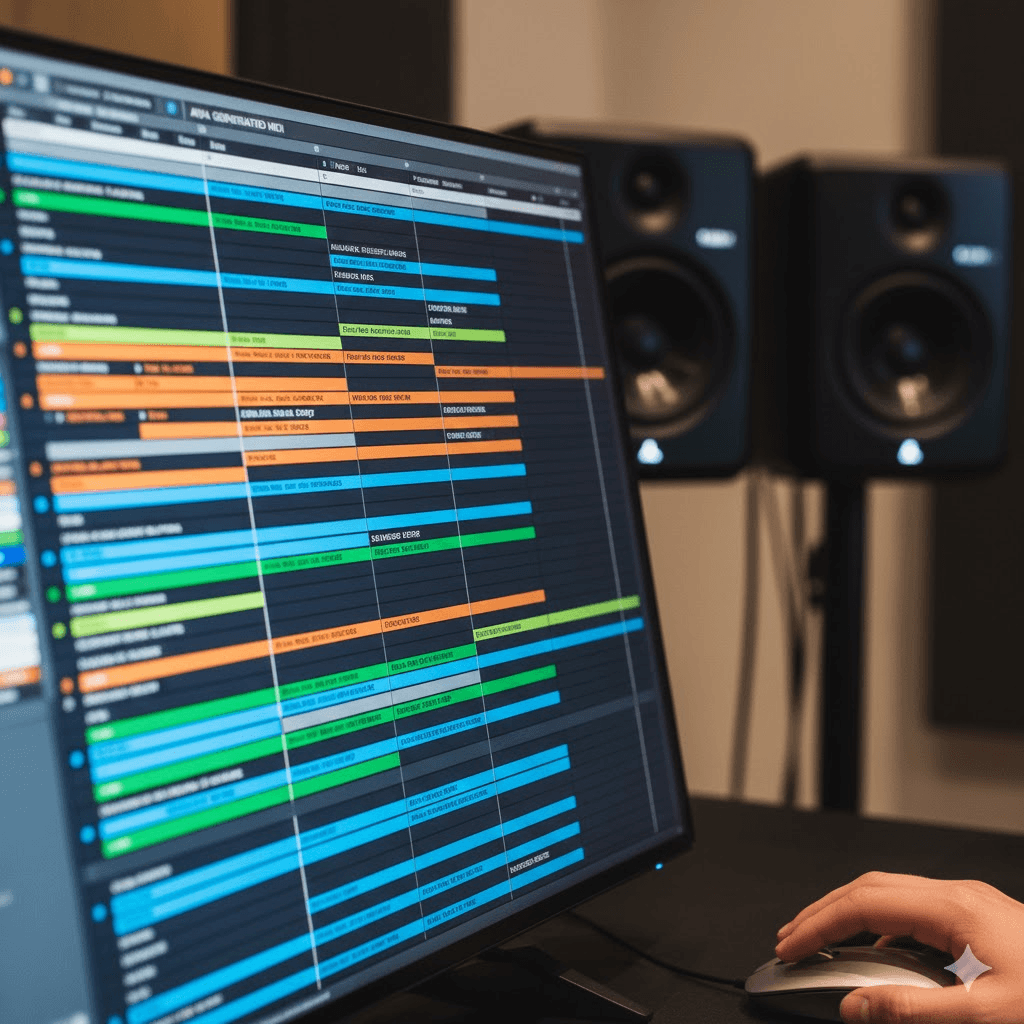
- MIDI export means you can tweak everything in Logic or Ableton
- 250+ style presets cover most professional needs
- You can upload reference tracks to influence the output
What doesn't:
- No vocals means you're immediately limited
- Takes longer to generate (not instant like Suno)
- Requires some music theory knowledge to get the best results
- The interface feels more complex than it needs to be
For background music in video projects, AIVA consistently sounds more professional than Suno. For anything needing vocals, it's not even an option.
Real World Performance Comparison
I ran the same prompt through both tools: "Epic cinematic battle music with rising tension."
Suno's result: Created a rock/orchestral hybrid with dramatic vocals singing about warriors and battles. Honestly pretty cool, but not what I asked for. The vocals made it unusable for the film project I was working on.
AIVA's result: Generated a pure orchestral piece with good dynamic build up. Usable out of the box, and I could export the MIDI to adjust the string articulation.
This happened repeatedly. Suno interprets prompts creatively (sometimes too creatively). AIVA stays closer to what you actually ask for, especially if you use the style presets.
Audio Quality: What You Actually Hear
Both platforms export at 44.1kHz (CD quality), but the listening experience is different.
Suno's Sound:
The v4.5 update made a noticeable difference. Earlier versions had a thin, overly compressed quality. Now it's more balanced, though you can still tell it's optimized for streaming platforms.
In testing, I generated the same pop song 10 times. About 7 were immediately usable. The other 3 had issues typically weird vocal artifacts or instruments bleeding together in busy sections.
Vocals are hit or miss. On ballads and slower songs, they can sound surprisingly natural. On complex arrangements with fast lyrics, the pronunciation gets muddy. There's also a consistent issue where the AI struggles with breaths between phrases sometimes they're too obvious, sometimes completely absent.
For social media and YouTube, honestly nobody notices. I've had videos with Suno music get hundreds of thousands of views with zero comments about the audio. But in quiet listening on good headphones, the seams show.
AIVA's Sound:
More consistent, especially in the orchestral and cinematic presets. The instruments have better dynamic range and more realistic articulation.
I A/B tested AIVA orchestral tracks against royalty free library music (Premium Beat, Audio Jungle). AIVA held up surprisingly well. The main giveaway is sometimes the mixing real orchestras have more dimensional space, where AIVA can sound slightly "flat."
But here's what impressed me: I sent an AIVA track to a film director client without mentioning it was AI. He approved it for the final cut. Only when invoicing did I mention I'd used AI to save time and budget.
The weakest area for AIVA is electronic music. It sounds competent but generic like stock music, which is fine for many uses but won't turn heads.
Practical comparison:
For testing, I created the same 30 second cue on both:
- Suno prompt: "Inspiring corporate background music, positive and motivating"
- AIVA setting: Corporate Inspiring preset
Results:
- Suno gave me something immediately usable but very "stock"
- AIVA produced something less distinctive but more professional sounding
- For an actual corporate video, I'd use the AIVA version
- For a YouTuber's motivational video, Suno would work fine
The Copyright Situation (Important)
This is where things get legally murky, and why I'm more careful about Suno.
Suno's Copyright Model
Free tier: Suno owns everything. You can't use it commercially. Period.
Pro/Premier ($8~24/month): You get "commercial use rights" but not ownership. Here's the issue: Suno explicitly states they can't guarantee your output is unique. Multiple people might generate similar music from similar prompts.
Bigger problem: Suno doesn't provide copyright documentation. When I tried uploading a Suno track to DistroKid, it got flagged. Support couldn't provide anything that would clear the claim. This is a real issue if you're serious about releasing music.
The U.S. Copyright Office has also said that fully AI generated work isn't copyrightable because there's no human authorship. So even with a Pro subscription, you're in uncertain territory.
My take: Fine for YouTube videos and social media where you just need background music. Risky for anything where you might need to prove ownership or defend against copyright claims.
AIVA's Copyright Model
Much clearer:
Free tier: AIVA retains ownership, non commercial use only.
Standard (€11/month): You can monetize on social platforms but AIVA still owns the copyright.
Pro (€49/month): AIVA transfers full copyright ownership to you. You get documentation, you can register with a PRO, you can license to clients.
I pay for AIVA Pro specifically because I need that documentation for client work. It's not cheap, but it's less than hiring a composer would be, and the copyright clarity is worth it.
Reality check: Even with AIVA's Pro plan, the AI generated content rules still apply. But AIVA at least gives you a legal framework to work within. They were registered with SACEM before anyone else was even thinking about AI music copyright.
Pricing Breakdown
Suno Pricing
| Plan | Cost | Credits/Month | Tracks | Commercial Use |
| Free | $0 | 50/day | ~10 songs/day | No |
| Pro | $8 | 2,500 | ~500 songs | "Rights granted"* |
| Premier | $24 | 10,000 | ~2,000 songs | "Rights granted"* *Remember: "rights" ≠ ownership Value: Incredible if you just need volume. $8 for 500 songs is absurdly cheap per track. Catch: Copyright ambiguity limits commercial applications. |
AIVA Pricing
| Plan | Cost | Downloads/Month | Track Length | Copyright |
| Free | €0 | 3 | 3 minutes | AIVA owns it |
| Standard | €11 | 15 | 5 minutes | AIVA owns it |
| Pro | €49 | 300 | 5.5 minutes | You own it Value: Pro plan works out to €0.16 per track with full ownership. Expensive per track, but you get legal clarity. Reality check: Most composers I know only subscribe when they have active projects. Generate 100 tracks in a month, cancel until you need more. |
Which One for Your Use Case
Let me walk through actual scenarios I've encountered:
Scenario: YouTube Content Creator
Profile: Making 3 videos per week, needing background music and maybe an intro song.
Recommendation: Suno Pro ($8/month)
Why it works:
- Fast enough to match YouTube's production schedule
- Can create custom intros with your channel name in the lyrics
- Good variety for different video topics
- Affordable for creators in the early monetization phase
Watch out for: Some creators report copyright claims even with paid accounts. Have a backup plan.
Scenario: Indie Game Developer
Profile: Building a fantasy RPG, need 20+ background tracks plus a main theme.
Recommendation: AIVA Pro (€49/month for one month)
Why it works:
- Full copyright is essential for game distribution
- Orchestral/ambient styles perfect for RPG atmosphere
- MIDI export works with game engines' adaptive music systems
- Generate your entire soundtrack in a month, then cancel
Work process: I helped a friend do this for his Unreal Engine game. Generated 30 variations of a core theme in different intensities, exported MIDI, implemented the adaptive system. Total cost: €49 for one month plus his time.
Scenario: Wedding/Event Videographer
Profile: Need cinematic music for client videos, delivering 2 3 videos per month.
Recommendation: AIVA Standard (€11/month) or Pro if budget allows
Why it works:
- Clients expect polished, professional audio
- Standard plan allows social media monetization (where most wedding videos end up)
- Instrumental focus fits video work better than Suno's vocal heavy output
- Copyright situation is clearer if clients ask
Alternative: Some videographers use Suno for scratch tracks during editing, then replace with properly licensed music. Works but adds extra steps.
Scenario: Podcast Producer
Profile: Weekly podcast, need intro/outro music and occasional segments.
Recommendation: Either works depending on your preference
Suno approach:
- Can create a vocal intro with your show name
- More distinctive, memorable sound
- $8/month is cheapest option
AIVA approach:
- More professional, NPR style instrumental sound
- Better if you ever want to syndicate or license the show
- Standard plan (€11) is sufficient
I use Suno for my personal podcast (nobody cares about copyright for a hobby show). For client podcasts, I stick with AIVA Standard.
Scenario: TikTok/Instagram Influencer
Profile: Daily posts, trending sounds, need quick background tracks.
Recommendation: Suno Pro ($8/month)
Why it works:
- Volume matches daily posting schedule
- Can generate tracks in trending styles
- Mobile app for creating music between shoots
- Social platforms are more forgiving about AI music
Pro tip: Generate 10 variations, test which style gets engagement, iterate. The speed is the killer feature here.
Scenario: Film Composer Meeting Tight Deadlines
Profile: Need temp tracks for client approval before booking studio musicians.
Recommendation: AIVA Pro (€49/month)
Why it works:
- Quality is good enough for temp track presentations
- Quick iteration on client feedback
- MIDI export means orchestrators can use it as a blueprint
- Copyright clarity lets you include in portfolio
Several composers I know use AIVA exactly this way. Generate a temp score, get client approval, then either refine the AIVA output or use it as reference for live recording.
Common Questions
Can I upload Suno music to Spotify?
Technically yes with Pro/Premier, but you'll likely hit issues. Several distributors (DistroKid, CD Baby) are flagging AI generated music. Suno doesn't provide documentation to resolve these claims.
I tried this with a test track. Got flagged within a week. Support couldn't help. I pulled it down.
AIVA Pro users have better luck because of the copyright documentation, but you should still check your distributor's AI policy first.
Do I need to credit the platform?
Suno: Free plan requires attribution. Paid plans don't.
AIVA: Free/Standard need attribution. Pro doesn't.
In practice, most content creators don't attribute even when technically required. But if you're being careful about licensing, follow the terms.
What if both platforms generate similar music?
This can happen, especially with common prompts. Neither platform guarantees uniqueness.
I've seen two creators discover they both generated nearly identical AIVA tracks from similar prompts. It's rare but possible.
Best practice: Treat AI music like stock photos. Assume someone else might have something similar. Not a problem for most use cases, but consider it for flagship projects.
Can these tools replace human composers?
Short answer: For certain applications, yes. For others, not even close.
Where AI works now:
I've completed several projects using only AI music:
- Corporate explainer videos (AIVA)
- YouTube channel intros and outros (Suno)
- Mobile game background music (AIVA)
- Instagram reels and TikTok content (Suno)
- Podcast music beds (both)
In these contexts, the music just needs to work set a mood, not distract, fit the content. AI handles that fine.
Where AI falls short:
Tried using Suno for a wedding video. The couple wanted something that captured their specific love story. AI couldn't do it. The music was fine but generic. Ended up hiring a composer.
Same with film scoring for emotional scenes. AI can hit the basic mood (sad, happy, tense), but it can't do the subtle narrative work a human composer provides knowing when to hold back, when to swell, how to foreshadow themes.
The hybrid approach:
Most working composers I talk to are using AI as a tool, not a replacement:
- Generate quick demos with AI
- Use those to get client approval on direction
- Develop the approved idea further (either in the AI tool or by hand)
- Add human touches to live instruments, vocal processing, unique production choices
This workflow cuts project time by 40 50% while maintaining creative control.
My take:
If you're asking "should I hire a composer or use AI," consider:
- Budget under $500? AI is your option
- Generic background music? AI works great
- Signature sound that defines your project? Hire human
- Emotional narrative work? Hire human
- Volume work (50+ tracks)? AI is cost effective
The tools are good enough now that the question isn't capability it's budget and importance to your project.
Common Mistakes to Avoid
After helping several creators get started with both tools, I've seen these mistakes repeatedly:
Mistake 1: Being too vague in prompts
Bad Suno prompt: "Make me a song" Better Suno prompt: "Upbeat indie folk song with acoustic guitar and female vocals, about road trips, happy mood"
The more specific you are about genre, instruments, mood, and subject, the better your results.
Mistake 2: Not iterating enough
First generation is rarely the best. I typically generate 5~10 variations before finding something great. The Pro plans give you credits for a reason use them.
With AIVA, try different style presets for the same concept. A "Cinematic" preset vs "Epic Trailer" preset can produce totally different results for the same basic idea.
Mistake 3: Ignoring the editing capabilities
Suno lets you extend, vary, and remix. Use these features. I've taken a 30 second clip I liked and extended it into a full 3 minute track by extending different sections.
AIVA exports MIDI. Don't treat the output as final edit it in your DAW. Adjust velocities, change instruments, fix any awkward transitions.
Mistake 4: Not testing in context
Music that sounds great in isolation might not work in your video, game, or podcast. Always test it in the actual context before committing.
I've generated "perfect" tracks that completely clashed with the voice over tone or didn't leave enough sonic space for dialogue.
Mistake 5: Forgetting about copyright until it's a problem
Decide early if you need full ownership. Don't generate 20 tracks with Suno, build them into your project, then realize you can't clear the rights for your use case.
I made this mistake early on. Had to regenerate an entire podcast season's music with AIVA because I realized I needed clear copyright for a licensing deal.
Mistake 6: Expecting perfection
These are tools, not magic. You'll get some duds. Sometimes the vocals sound weird. Sometimes the arrangement is off. That's normal. The quality is impressive but not perfect.
Budget extra time for iteration. Don't schedule a project assuming the first generation will be exactly what you need.
Mistake 7: Not saving your successful prompts
When you find a prompt/setting combo that works great, document it. I keep a simple text file of "prompts that worked" for each tool.
This saves time when you need something similar later. You can iterate on successful patterns rather than starting from scratch each time.
How long does it take to learn each tool?
Suno: 10 minutes. Type prompt, get music. The interface is intentionally simple.
AIVA: A few hours to understand the preset styles and generation process. A few weeks to really optimize your workflow and understand which settings produce what results.
Neither requires music theory knowledge to get started, but AIVA benefits from it.
Are there refund policies?
Both are subscription based with no refunds on unused credits. You can cancel anytime though.
Pro tip: Start with free tiers. Generate a few tracks. See which workflow you prefer. Then upgrade only when you have an actual need.
Getting Better Results: Tips from 3 Months of Use
Suno Optimization Tips
For better vocals:
- Specify gender ("male vocals" or "female vocals")
- Mention vocal style ("smooth vocals," "powerful vocals," "whispery vocals")
- For clarity, try "clear pronunciation" in your prompt
- Slower songs tend to produce cleaner vocal results
For better prompts:
- Start with genre, then add mood, then instrumentation
- Example: "Jazz fusion | melancholic | saxophone and piano"
- Use the style library on Suno's website for inspiration
- You can chain styles: "90s grunge meets lo fi hip hop"
Workflow hack:
- Generate in Simple mode first to explore ideas
- When you find something promising, switch to Custom mode
- Write or refine lyrics
- Use the extend feature to develop it further
Dealing with bad endings: The abrupt ending problem is real. Workaround: Generate a longer track than you need, then cut it where it naturally resolves in your video editor.
AIVA Optimization Tips
Choosing the right preset: Don't just read the names, listen to examples. "Epic Trailer" and "Cinematic" sound similar in description but produce very different results.
My most used presets:
- Ambient for backgrounds that shouldn't distract
- Cinematic for narrative video work
- Modern Cinematic for trailers and promotional content
- Classical Piano for refined, minimal music
Using influences effectively: Upload a reference track (MIDI or audio) when you want to match a specific feel. AIVA will analyze its structure and apply similar patterns.
I've uploaded movie score excerpts to get similar orchestration styles. Works better than trying to describe what you want in words.
MIDI editing workflow:
- Generate in AIVA
- Export MIDI
- Import to Logic/Ableton
- Replace AIVA's virtual instruments with better sample libraries
- Adjust velocities and timing for more human feel
This hybrid approach produces results that sound way more expensive than they cost.
Style blending: Generate the same concept in 2~3 different style presets, then cherry pick the best elements from each in your DAW. Gets you closer to a unique sound.
Workflow Integration
For Video Editors
Suno workflow:
- Edit video first, identify music needs
- Note timing (need 30 seconds here, 1:15 there)
- Generate with Suno, explicitly request song length in prompt
- Download MP3, import to timeline
- Use video editor's built in speed/trim tools to fit exactly
AIVA workflow:
- Lock picture edit first
- Generate longer than needed (3 minutes for a 2 minute section)
- Import to DAW, not directly to video editor
- Cut, arrange, and crossfade sections as needed
- Export final mix, import to video
The DAW step gives you way more control over timing and transitions.
For Game Developers
Implementation approach I've seen work:
Generate music in layers:
- Base ambience (from AIVA)
- Action layer (from AIVA, different generation)
- Tension layer (from AIVA)
Export each as separate files, implement adaptive mixing in your game engine based on gameplay state.
For Unity specifically, the MIDI from AIVA can drive procedural music systems. Export the MIDI, use it to trigger your own samples in real time.
For Podcasters
Intro/outro strategy:
Create signature themes using Suno with your show name in lyrics. Generates instant brand recognition.
Then use AIVA for segment beds those quieter instrumental sections under speech. The lack of vocals means it won't compete with dialogue.
Music bed tips:
- Keep it 20~30dB below your voice
- Avoid complex melodies that distract from content
- AIVA's Ambient and Minimal presets work best
- Generate longer than your episode, edit sections to fit
After three months using both platforms daily, here's my honest assessment:
Suno is great for: Content creators who need music fast and aren't worried about copyright complexity. YouTubers, social media, personal projects. The speed and price are unbeatable.
AIVA is necessary for: Anyone who needs legal clarity and full ownership. Client work, game development, library music, professional video production. The extra cost buys you peace of mind.
I keep both subscriptions because they solve different problems:
- Suno for quick drafts and personal projects
- AIVA for anything involving clients or money
What I Wish Was Different
For Suno:
- Clear copyright documentation for commercial users
- Better control over musical elements (keys, chord progressions)
- Option to generate instrumental only versions
- More consistent vocal quality
For AIVA:
- Vocal capabilities (even basic would open up more use cases)
- Faster generation times
- More intuitive interface
- Mid tier pricing option between Standard and Pro
Where This Is All Heading
Both platforms are improving fast. Suno's v4.5 was a huge quality jump from v3. AIVA keeps adding features.
The copyright situation will probably clarify over the next year or two as case law develops and platforms form partnerships with rights holders. UMG already partnered with Udio, and Warner settled with Suno. The legal landscape is stabilizing.
My prediction: Within a year, we'll see:
- Clearer copyright frameworks for AI music
- Better integration with professional tools
- Quality improvements that make AI vs. human harder to distinguish
- Pricing pressure as competition increases
Final Recommendation
Don't think of this as "Suno vs AIVA" in terms of which is better. Think about it as which tool fits your specific need right now.
For most hobbyists and content creators: Suno offers incredible value and capability for the price.
For commercial work and client projects: AIVA Pro is worth the investment for copyright clarity alone.
Can't decide? Start with Suno's free 50 daily credits. Use them for a week. Then try AIVA's free 3 downloads. Whichever workflow feels better is probably the right choice for you.
And honestly? In a year, these might not even be the top choices. The AI music space is moving fast. Stay flexible.
Additional Resources
Official Sites:
- Suno.ai
- AIVA.ai
Communities:
- Reddit r/SunoAI Tips, tricks, and troubleshooting
- Reddit r/AIMusic Cross platform discussions
- VI Control forum Professional composer perspectives
Copyright Resources:
- U.S. Copyright Office AI Guidance
- Your country's copyright office (laws vary internationally)
About the author: I'm a video producer and composer who's been experimenting with AI music tools since early 2024. I use both Suno and AIVA in my work, and I'm not affiliated with either company. This comparison reflects my actual experience using both platforms for real projects.
Comments? Questions? Drop them below. I'll answer based on what I've learned actually using these tools.